Baylor University brand colors
Baylor publishes just two official brand colors, and is unusually specific about why the uncoated Pantone differs: PMS 1235 prints towards orange on uncoated stock, so PMS 116u is substituted. The kind of detail most brand guides leave to the printer.
Official site: baylor.edu
Palette image
Every swatch on this page, as one image you can save or share.
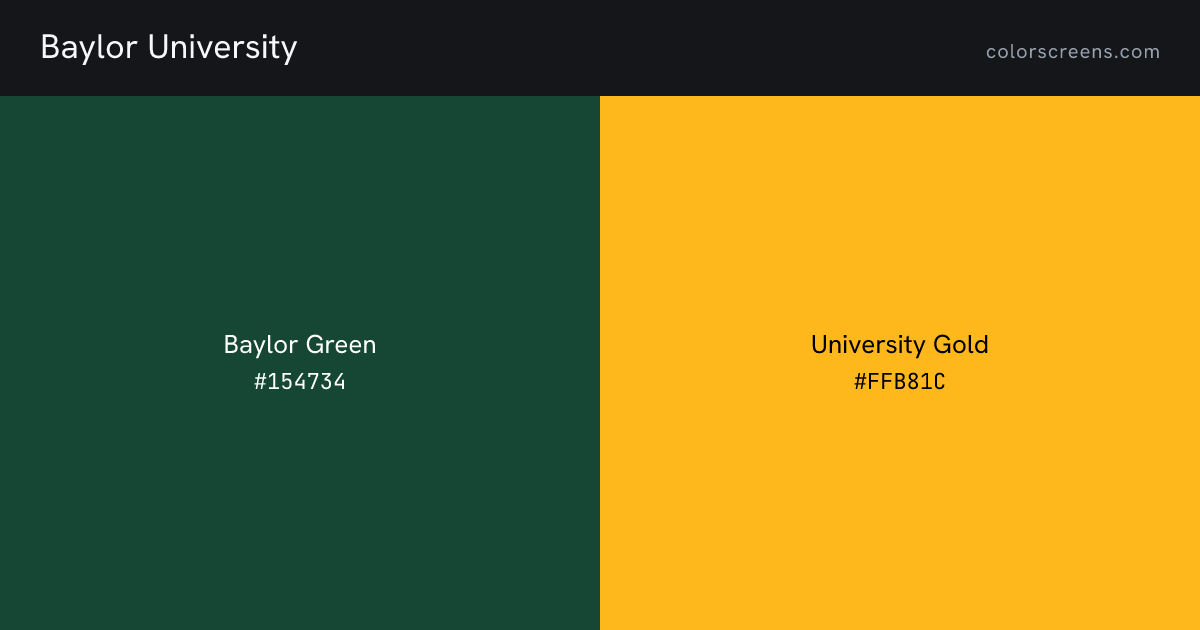
Every color
| Color | Role | Hex | RGB | HSL | Pantone | CMYK | Preview |
|---|---|---|---|---|---|---|---|
| Baylor Green | primary | #154734 | 21, 71, 52 | 157, 54%, 18% | 3435c / 3435u | 93, 10, 90, 70 | Fill screen |
| University Gold | secondary | #FFB81C | 255, 184, 28 | 41, 100%, 55% | 1235c / 116u | 0, 29, 100, 0 | Fill screen |
Baylor University against your project
Contrast pairs
Baylor Green passes AA for body text on white, at 10.6 to 1.
Of 12 ordered pairs in this palette, 8 clear 4.5 to 1 for body text and 8 clear 3 to 1 for large text. Row is the text color, column is the background.
| Text color | Baylor Green | University Gold | White | Black |
|---|---|---|---|---|
| Baylor Green | 6.1Baylor Green on University Gold, passes AA for body text | 10.6Baylor Green on White, passes AA for body text | 2.0Baylor Green on Black, fails AA for body text | |
| University Gold | 6.1University Gold on Baylor Green, passes AA for body text | 1.7University Gold on White, fails AA for body text | 12.1University Gold on Black, passes AA for body text | |
| White | 10.6White on Baylor Green, passes AA for body text | 1.7White on University Gold, fails AA for body text | 21.0White on Black, passes AA for body text | |
| Black | 2.0Black on Baylor Green, fails AA for body text | 12.1Black on University Gold, passes AA for body text | 21.0Black on White, passes AA for body text |
Sources
- Every color on this page: https://brand.web.baylor.edu/brand-standards/official-brand-colors
Other colleges & universities
Share